
Server snapshots with dd over SSH

A snapshot is an image of a disk or a system captured at a specific point in time. Depending on the environment, snapshots can be taken "online" (while the system is running) or "offline". Offline snapshots are generally preferable because they guarantee a consistent data set. Snapshots are often used as backups — though it is crucial that the snapshot lives on different hardware or, better, at a different location than the original system.
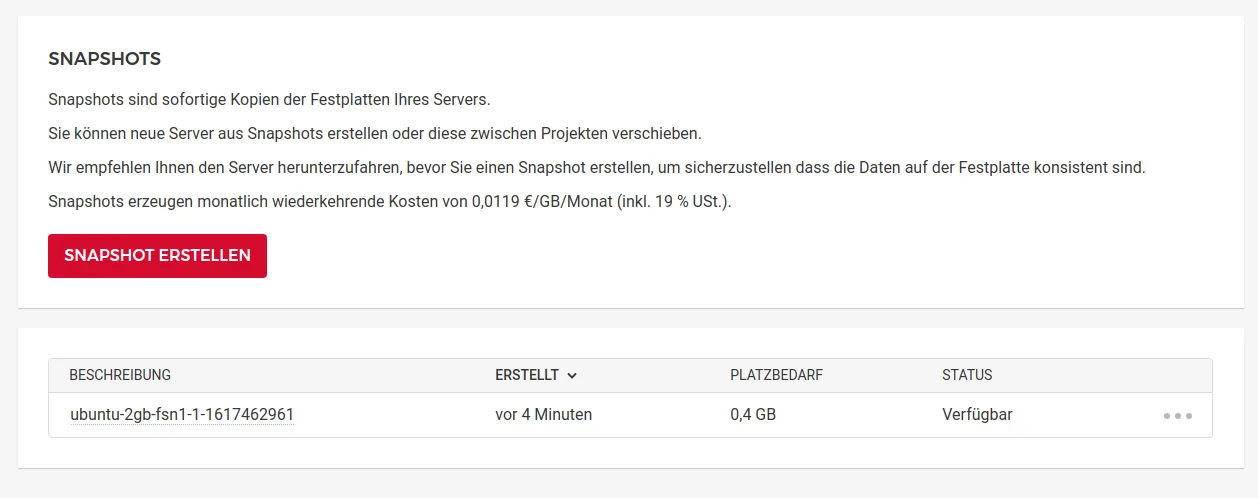
Not every server provider offers snapshotting. For physical hardware, snapshots are structurally hard to decouple from the hardware itself. Many VPS / cloud providers offer UIs for creating and sometimes exporting snapshots. netcup, for example, makes creating, exporting, importing and restoring snapshots easy. In the Hetzner Cloud you can create and restore snapshots, but not export or import them. If you want to store a snapshot offsite or archive it long-term, you need that export/import capability.
Snapshot with dd over SSH
If export is unavailable — or if snapshots aren't offered at all — there's a simple way to create them yourself. Say we want to store a snapshot of server A on server B. Server A is a virtual server with one disk (/dev/sda). To take the snapshot, we log into server B via SSH and boot server A into a rescue system with an SSH server. That can be the provider's rescue system or a live distribution. Typically, the provider's rescue system is a couple of clicks away.
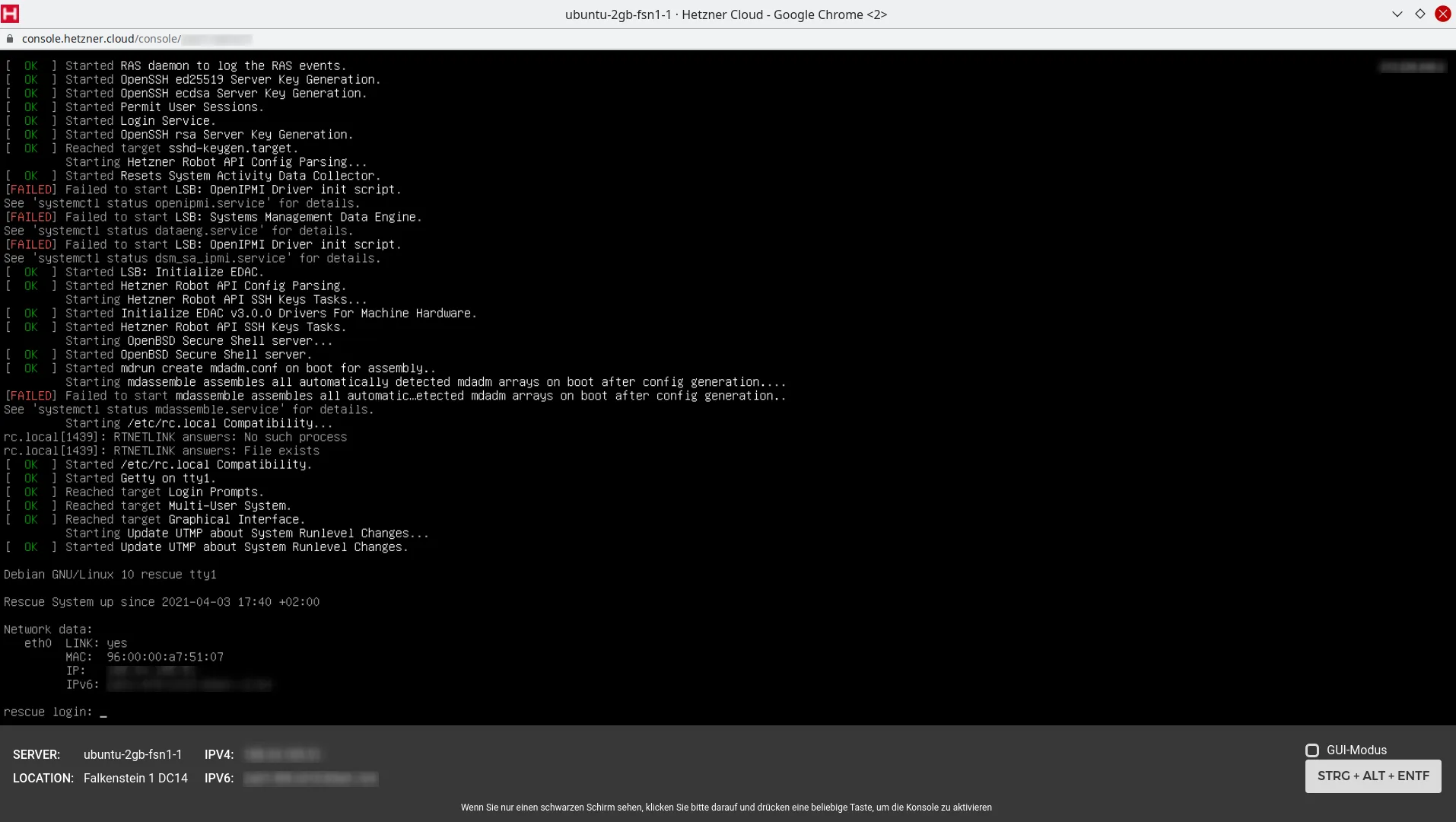
Then, on server B, we run:
$ ssh USER@IP "dd bs=4M if=SOURCE-DISK | zstd -" | dd bs=4M of=TARGET-FILE.zstValues to adjust:
- USER: SSH user, typically root
- IP: IP address of server A
- SOURCE-DISK: the disk on server A to back up (usually /dev/sda)
- TARGET-FILE: target file on server B, e.g. image.img.zst
With example values the command looks like this:
$ ssh root@192.168.178.10 "dd bs=4M if=/dev/sda | zstd -" | dd bs=4M of=image.img.zstWhat happens: server B connects to server A (192.168.178.10) via SSH and there runs dd bs=4M if=/dev/sda | zstd -. This reads the disk /dev/sda, compresses the stream with zstd and pipes it over SSH to the target (server B). On server B the incoming stream is written with dd bs=4M of=image.img.zst to the file image.img.zst.

Don't worry: the process takes a while and there is no progress indicator. The end is confirmed by a short summary of the copied data volumes.
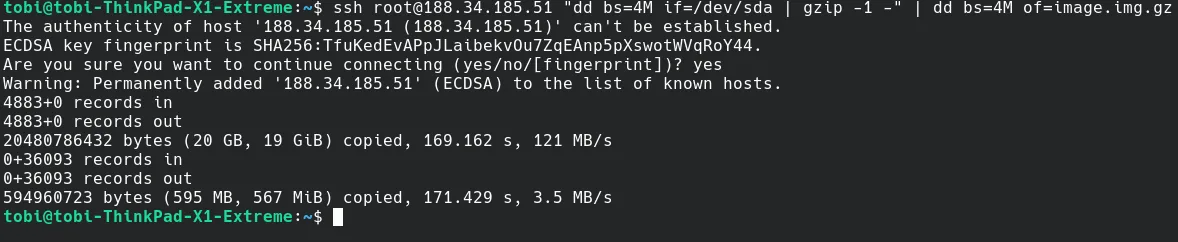
Since dd works at the block level, a snapshot can be taken regardless of the filesystem or operating system on server A. That also means a 120 GB disk has to be read and transferred in full — 120 GB. That's why we compress with zstd before sending, which is very effective when there is a lot of free space on the disk. The default compression level gives a good trade-off between ratio and CPU cost. If you crank it up, make sure you have the CPU headroom; otherwise compression will slow down the whole process.
If the server has more than one disk, the command needs to be run for each one.
Server migration with dd over SSH
This approach can not only be used to snapshot into a file — it can also migrate entire servers. The only caveat: server B's disk needs to be at least as large as server A's. The partition and filesystem can easily be grown afterwards using e.g. Gparted. More details in "Server migration with dd over SSH".
Update 2024-04-24
At this point I recommend zstd over gzip. The commands and text above have been adjusted accordingly.